

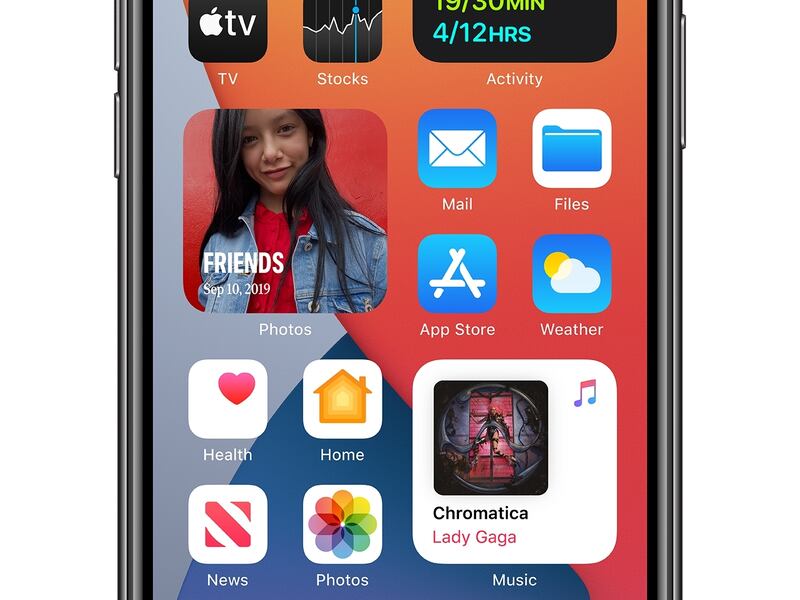

Fantastical — an app that helps people manage their Mac and iOS calendars — recently released 12 new customizable widgets that can be used for iOS 14 home screen customization.
Here’s what the company said about its new widgets, per 9to5 Mac:
Fantastical’s 12 widgets allow users to mix and match their favorite widgets to customize their iOS homescreen the way they like. There are small widgets to simply show the date or the next upcoming event or task, medium widgets to show a bit more information or side-by-side monthly calendars, and large widgets that provide an in-depth agenda.
The app is free to use.
- Some features can be unlocked with payments.
Don’t expect the most beautiful or freaky cool widgets, though.
- The Verge said: “These aren’t the sort of widgets you’d use to flex on TikTok, of course: these are practical and straightforward designs for people whose live in their schedules. The widgets look as well-designed as you’d expect from Fantastical, and we particularly like the option to jump into meetings directly. No more searching your inbox for that elusive Zoom invitation.”
More ideas on social media:
Apple released the new iOS 14 for all Apple iPhone users last week, and iPhone users immediately started sharing ideas on social media.
- “Together with iPhone, iOS is central to how we navigate our lives and stay connected, and we are making it even more powerful and easier to use in iOS 14, with the biggest update ever to the Home Screen,” said Craig Federighi, Apple’s senior vice president of software engineering. “We are thrilled to see the incredible ways developers are taking advantage of widgets and App Clips to create new experiences that we think customers are going to love.”